
Bills, meet your match
Schedule, track and manage payments anytime, anywhere.
Lorem ipsum dolor sit amet, consectetur adipiscing elit, sed do eiusmod tempor incididunt ut labore et dolore magna aliqua. Ut enim ad minim veniam, quis nostrud exercitation ullamco laboris nisi ut aliquip ex ea commodo consequat.
Lorem ipsum dolor sit amet consectetur. Adipiscing laoreet amet nibh mauris nulla text link. Sed sit turpis vitae lorem ipsum text link hover sed amet.


 Search our site
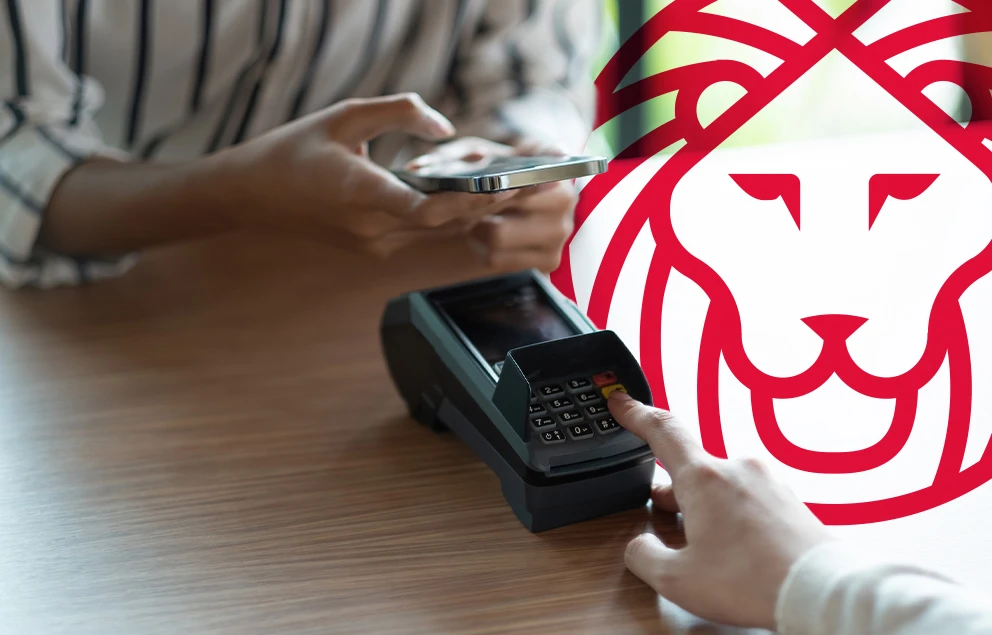



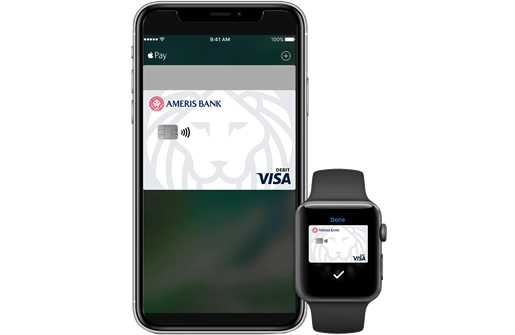
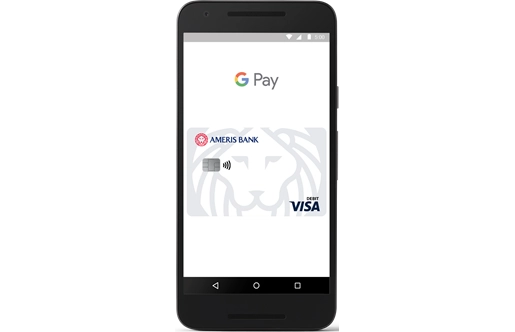
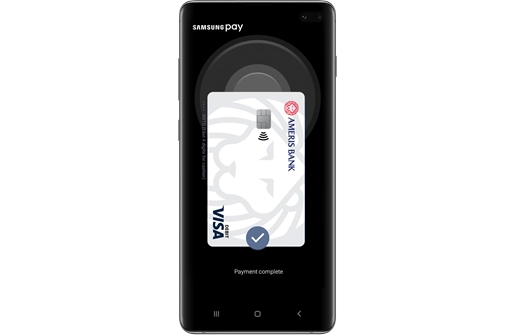

Breeze through the checkout line
Make in-store purchases quickly, safely and securely. Use mobile wallet anywhere you see this symbol.
1 Supported carriers include: AT&T, T-Mobile, U.S. Cellular, Sprint, Verizon Wireless, MetroPCS, and Cricket. Message and data rates may apply. Apple, the Apple logo, iPhone, iPad and App Store are trademarks of Apple Inc., registered in the U.S. and other countries. Android, the Android Logo and the Google Play Store logo are trademarks of Google Inc, registered in the U.S. and other countries.